


Use the devices you have
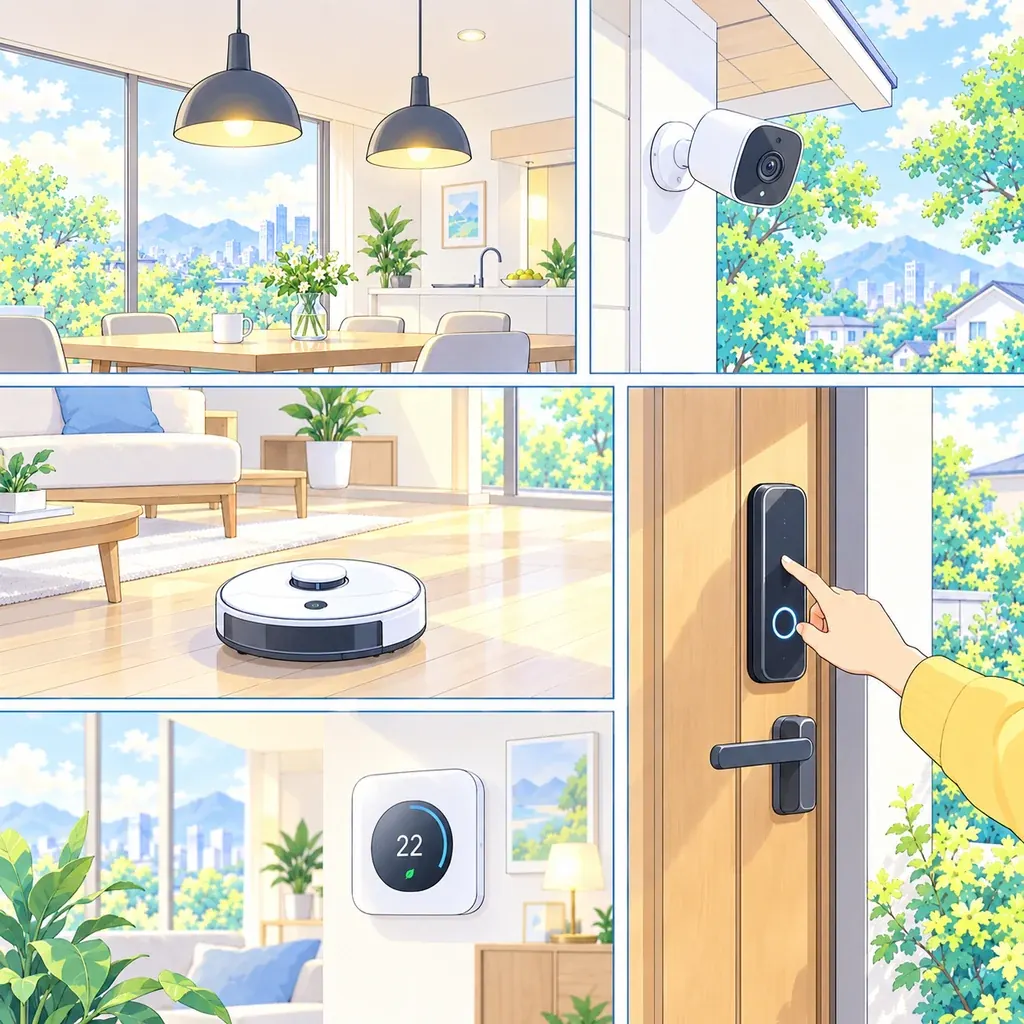
Ask your AI to use the controls supported by your connected lights, cameras, and vacuums.
Connect your AI to lights, speakers, vacuums, and more through the Port OS Cloud. No hub required. Use your devices from Philips, Sonos and others.
 Muse
 Claude
 ChatGPT
 OpenClaw
 Cursor
 Custom MCP
 Gemini CLI
 Codex
 Grok
 VS Code
 InstinctWaitlist
 Zed
 LibreChat
 GitHub Copilot
 Windsurf
 Continue
 Roo Code
 OpenCode
 Cherry Studio
 Goose
 Hermes
 Cline
 SlackWaitlist
 GeminiWaitlist
 DeepSeekWaitlist
 GLMWaitlist
 QwenWaitlist
 KimiWaitlist
 Le ChatWaitlist
 PerplexityWaitlist
 Microsoft CopilotWaitlist

Home update
Take a photo of my front door. Has my package arrived?
Your package is on the doorstep. Here’s the latest photo.
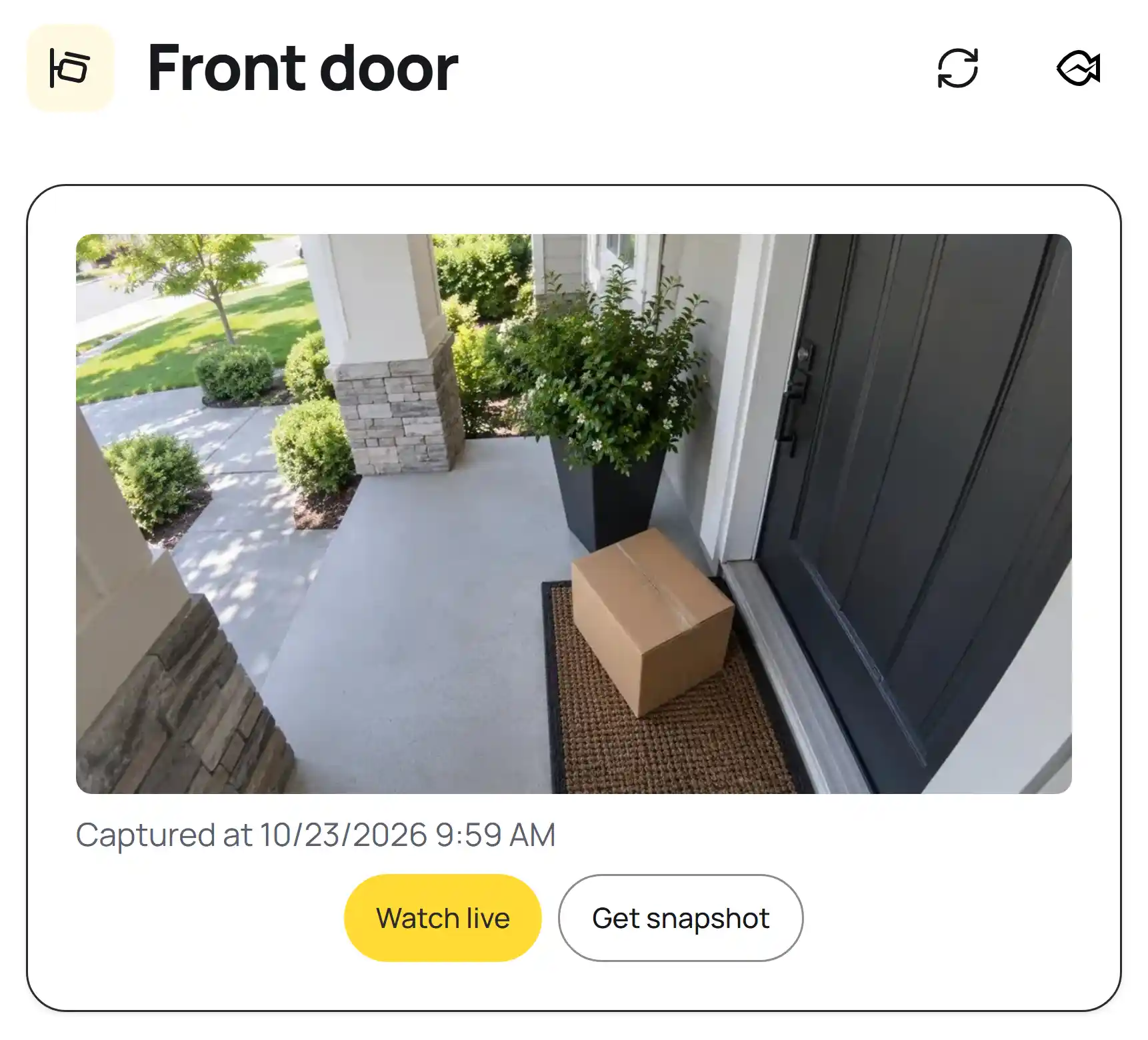
Take a photo of my front door. Has my package arrived?
Your package is on the doorstep. Here’s the latest photo.

Front door camera · 1 of 5
Custom MCPMuseClaudeChatGPTOpenClawCursorGemini CLICodexGrokVS CodeInstinctWaitlistZedLibreChatGitHub CopilotWindsurfContinueRoo CodeOpenCodeCherry StudioGooseHermesClineSlackWaitlistGeminiWaitlistDeepSeekWaitlistGLMWaitlistQwenWaitlistKimiWaitlistLe ChatWaitlistPerplexityWaitlistMicrosoft CopilotWaitlist
Ask your AI to use the controls supported by your connected lights, cameras, and vacuums.
Ask for a device update while you’re away. Ongoing monitoring needs a supported automation setup.

Bring supported music and media services into the same conversation.

Connect through your AI or the website. Developers can also use the API and CLI.
Port OS is a cloud service that lets you give AI access to your devices. Port OS works by having you connect your existing devices to Port OS, and then having you connect your AI to Port OS. Port OS exposes APIs for AI in the form of REST and MCP.
MCP (Model Context Protocol) is a way for your AI to talk to services such as Gmail and YouTube. Smart home MCP is a way for your AI to talk to your smart home devices. If your AI has no MCP for your smart home devices, it can't use them.
Learn about smart home MCPYes! Port OS supports a smart home dashboard that you can access from your desktop, your phone or anywhere else.
Open the Port OS smart home dashboardYes! Port OS lets you bring in devices directly from both of those providers.
See the Alexa and SmartThings integrationsNo. Port OS is cloud only. You only need to add the Port OS MCP to your AI agent.
Add the Port OS MCP to your AIhttps://api.portoperatingsystem.com/mcp
See how to add it to your AIYes. Port OS also has a dashboard and a RESTful API. To use the API, create a token on the tokens page.
Learn how to use the RESTful APIMaybe! Port OS supports many device providers directly. You can also connect devices through platforms such as SmartThings, Seam, or Alexa. Support depends on the provider and device model.
Browse device integrationsPort OS works with AI agents such as Claude, ChatGPT, Grok, and Muse through MCP. Your client needs to support remote MCP connections and Port OS authorization.
Find your AI setup guideYou can give your AI access to devices you connect to Port OS, such as vacuums, cameras, and lightbulbs. Your permissions determine what it can read or control.
See all supported device capabilitiesPort OS is a cloud service designed for AI agents such as Claude and ChatGPT. You use Port OS to connect devices from those providers. You do not need to buy a Port OS hub or maintain a server.
Compare smart home MCP options
Follow the setup guide for your assistant, then try one supported device task.